Notes from taking the Claude Partner Network Certified Architect Prep Courses
FYI. I thought those would be pretty basic but I ended up learning lots of new things.
How to adopt AI at a company? start in this order:
- people -> processes -> product
Model Family
- Fable
- Opus
- Sonnet <— default to choose since it’s balanced intelligence vs cost/speed
- Haiku
Cost effective intelligence
- cheaper model for executing tasks (Sonnet or Haiku)
- intelligent model thinks and creates a plan (eg. Opus, Fable), the cheaper model executes
Course: Building with the Claude API
(1)Tokenization -> (2)Embedding -> (3)Contextualization -> (4)generation
1- transform the text into tokens (think of words to make it easy)
2- transform the tokens into vectors
3- fine tune the meaning of each vector based on neighbor tokens
4- select the next word with a mixed probability and randomness approach
”end of sentence”(EOS) token
stop reason - why the model stopped generating tokens
Prompt evaluation
- generate dataset of user’s input
- merge prompt + user input to get results
- evaluate the result via
- code
- model calls
- ask for a score from 1 to 10, but also for strengths, weaknesses and reasoning
- humans
- average out the scores
Prompt engineering
- Clear and direct (action verb + direct task)
- first line of your prompt is the most important
- Be specific
- guidelines. in scope. out of scope. follow the steps.
- provide structure (via XML tags)
- <sales_records></sales_records>
- providing examples (one-shot or multi-shot prompts)
- <sample_input> -> <ideal_output>
- good for providing edge cases (sarcasm, for example)
Tool use
- FYI. claude doesn’t have context on current time (just current date), doesn’t do time addition well
- claude has built in schemas for two tools
- managing files in the filesystem, but you have to provide the implementation
- web search, but claude will execute the search for you.
 web_search_schema = {
   - "type": "web_search_20250305",
   - "name": "web_search",
   - "max_uses": 5,
   - "allowed_domains": ["nih.gov"]
}
- stop_reason: tool_use
RAG (retrieval augmented generation)
- pre process large text into smaller chunks.
- only input to the model the chunks that might be relevant
- chunking strategies
- size based
- structure based
- semantic based
- voyageAI for semantic embedding generation
- steps for semantic search
- create the chunks
- create a map of chunk to semantic vector
- on user query, create semantic vector from user query
- get closest vector and retrieve the chunk
- but you also should do Lexical Search to make sure
- BM25 (Best Match 25 algorithm)
- tokenize user strings
- count each token in original file. less count means more importance
- get the chunks with the most important tokens
- BM25 (Best Match 25 algorithm)
- Reciprocal Rank Fusion for combining both ranks and getting the most important chunks
Extended Thinking
- adds thinking blocks to assistant response messages
- thinking_budget - min 1024 tokens
- claude might send back a redacted thinking block.
- if in the next chat you wanna pass in the thinking block, you need to pass in also the thinking block signature
- use prompt evaluation to decide if you should enable extended thinking or not
Image
- Image block (User message)
- provide examples and strong prompts
Citations
- enable so Claude cites where inside the document or text claude is getting that information from
"citations": { "enabled": True }- Cite from PDF documents or plain text
Prompt caching
- caches the steps performed at the input: Tokenization -> Embedding -> Contextualization
- TTL 1 hour
"cache_control": { "type": "ephemeral" }- add it to list of tools and long system prompts
- we can setup up to 4 break points
Code Execution and Files API
- Files API
- update file ahead of time and get an id
- include the id in the prompt
- Code Execution
- execute code inside a docker container
- add a tool called code_execution
tools=\[{"type": "code_execution_20250522", "name": "code_execution"}\]
MCPs
- tools are functions executed at another server
- common Methods available to the MCP Client:
- ListToolsRequest -> ListToolsResult
- CallToolRequest -> CallToolResult
- MCP can expose
- tools - Model controlled
- resources (autocomplete, data) - App controlled
- prompts (custom prompts for given tasks) - works kind of like loading up a skill - User controlled
Workflows VS Agents
- Workflow - you know exactly the steps you need to make to perform the task
- Agent - you know the end goal but not the steps
Course: Introduction to agent skills
skill description should have:
- what it does
- when to use it
other metadata fields:
- allowed-tools
- model
SKILL.md files should have a maximum of 500 lines
- files in “/references” “/assets” or “/scripts” listed in the SKILL.md must contain a clear instruction about when to load it
scripts can run without being loaded into context, just the output of the script is.
Claude built-in sub-agents (they can’t use skills)
- explore
- plan
- verify
only custom subagents can use skills as long as you list them. Skills are loaded when the sub-agent start, not on demand.
Course: Claude Code in action
scope
- plan and limit the surface area of execution
steer
- /compact providing further instructions on how the context should be compacted and what it should focus on
- /rewind to go back to a previous user input checkpoint
more autonomous
- /goal - set a goal with a condition
- /loop
worktrees for parallel work
Claude.md
- some rules should live in other places (eg. “never push to main” should be a push hook)
- don’t be generic, use specifics
permission modes
- manual
- acceptEdits
- plan
- auto - faster model verifies dangerous commands
- dontAsk - CI pipelines, no human in the loop
- bypassPermissions
Hooks
- PreToolUse
- PostToolUse
- Stop / StopFailure / SubagentStop
- add hook to run tests after file edits
- PreCompact / PostCompact
- InstructionsLoaded
- SessionStart
Course: AI Fluency: Framework & Foundations
Goal - Interact with AI in a way that is:
- Effective
- Efficient
- Ethical
- Safe
Ways to interact with AI
- Automation - automate what you know how to do
- Augmentation - create together/brainstorm
- Agency - setup knowledge and behavior patterns
4Ds
- Delegation - What to delegate and what you will do yourself
- make sure you can define the problem space
- Description - Clear communication with AI (context rich conversations)
- about guiding the interaction
- context, format, audience, style, other constraints
- Product Description - Defining the WHAT
- Process Description - Defining the HOW
- Performance Description - Defining the behavioral aspects (concise/detailed, challenging/supportive)
- Discernment - Checking the output and doing quality control.
- Diligence - being transparent about AI use and taking ownership about the results
Prompting tips deep dive
- provide context
- offer examples
- specify output constraints (in scope/out of scope)
- break down complex tasks
- give the AI space to think
- define roles
---EOS---
If you liked this post you might be interested in other AI related posts in this blog:
- Book highlights: “Models of the Mind: How Physics, Engineering and Mathematics Have Shaped Our Understanding of the Brain” by Grace Lindsay
- Notes from Matt Pocock’s Workflow for AI Coding presented on April 24th, 2026
- MENTAL-MODELS.md file
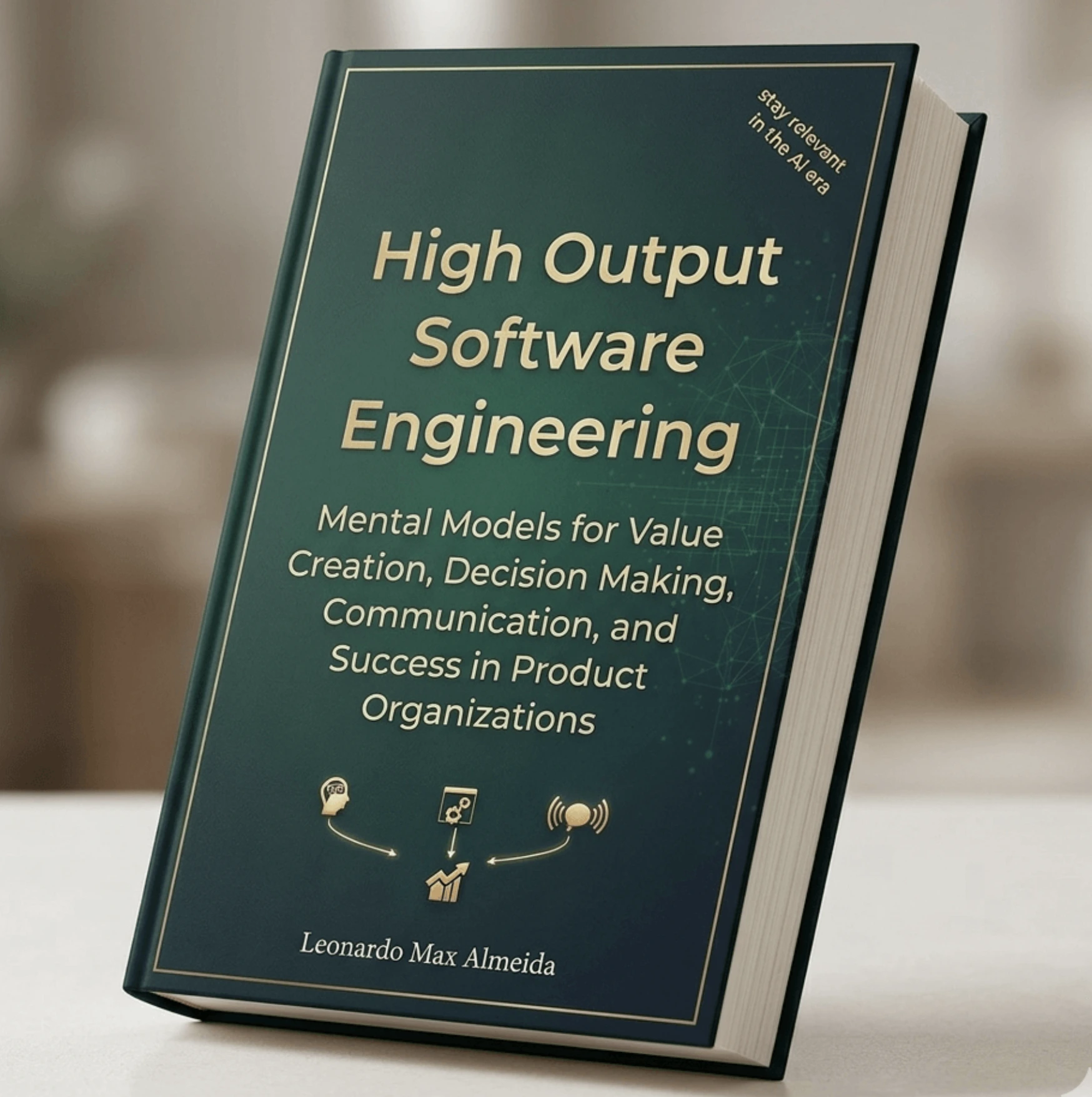
If you're a software engineer working on product teams you might enjoy my book High Output Software Engineering — it's all about understanding value creation, making value-driven trade-offs, communicating with excellence and knowing how to navigate organization dynamics.
Buy it now for $0.99 (PDF & EPUB instant access)